Why you need an SSD in 2026
If your laptop or desktop takes 2–5 minutes to boot, and then “thinks” for a long time when you open a browser or office app — almost certainly the cause is an old hard drive (HDD). It’s the most common complaint I hear, and the fix is simpler than it sounds.
Why HDDs are so slow
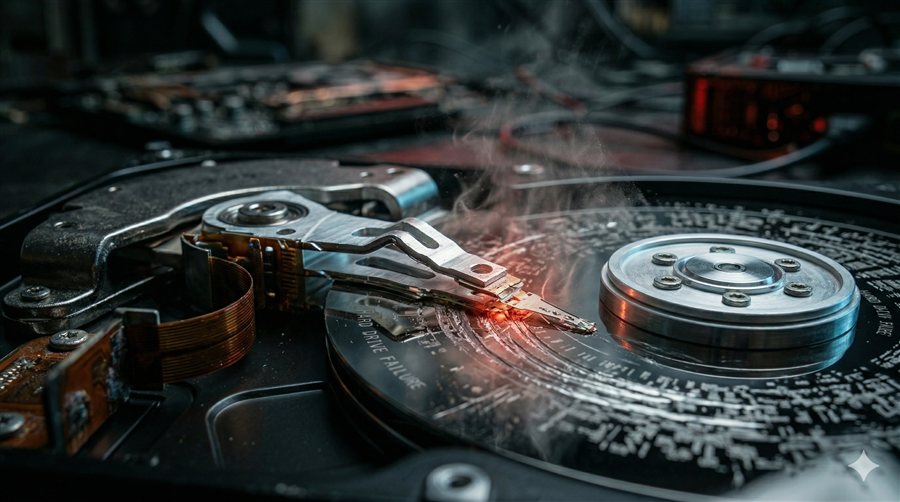
A hard drive is a mechanical device: inside, a magnetic platter spins and a read head physically moves to the right spot. Random read speed on a typical HDD is around 1 MB/s.
An SSD stores data in memory chips, with no moving parts. Random read speed on a budget SSD is from 200 MB/s; on a mid-range one, 500+ MB/s. That 200–500× difference is exactly what determines how quickly Windows starts and how quickly your apps open.
Real-world numbers, before and after
| Operation | HDD (2012–2016) | SATA SSD | NVMe SSD |
|---|---|---|---|
| Windows boot | 2–5 min | 15–25 sec | 8–15 sec |
| Browser launch | 5–10 sec | instant | instant |
| Excel launch | 8–15 sec | 1–2 sec | < 1 sec |
| Software install | 5–15 min | 1–3 min | < 1 min |
Which SSD is right for your laptop
It depends on the slot on the motherboard:
- SATA 2.5" — the format used in older laptops (2010–2018). Speeds up to 560 MB/s; goes in instead of the HDD.
- M.2 SATA — a thin form factor at the same speed as SATA 2.5".
- M.2 NVMe — the modern standard, 2000–7000 MB/s. Compatible with laptops from 2017 onward.
Before buying, it’s important to identify exactly which slot your machine has — otherwise the drive simply won’t fit, or won’t work.
Do you need to reinstall the OS
No. When I swap the drive, I clone your existing Windows along with all your programs, settings and files onto the new SSD. After the swap everything works exactly as before — only much faster.
How much an SSD upgrade costs in Haifa
| Drive | Labour cost | Total with the SSD |
|---|---|---|
| SATA SSD 512 GB | 100₪ | from 200₪ |
| SATA SSD 1 TB | 100₪ | from 280₪ |
| NVMe SSD 512 GB | 100₪ | from 230₪ |
The drive cost depends on current market prices at the time of replacement. Data cloning is included. Compatibility diagnostics are free.
A 600₪ used laptop with an SSD will feel noticeably faster than a 1500₪ new laptop with an HDD. It’s the most cost-effective thing you can spend on your computer’s speed.