Hard drive clicking — back up your data right now
If you can hear rhythmic clicking, ticking or grinding while your computer is running, that’s one of the most alarming signals your laptop or desktop can give you. You need to act now.
What those sounds mean
A hard drive (HDD) is a mechanical device. Inside, a platter spins and the read/write heads — incredibly thin elements — float above its surface at a distance of just a few nanometres.
Clicks and ticks mean one of two things:
- Stuck heads — the head can’t lift off the platter surface at startup.
- Damaged heads — a mechanical fault that prevents the head from positioning itself, so it keeps “knocking” against the surface. This is what’s known as the click of death.
In either case, every click could be the last one. The drive might keep working for another hour, day or week — there’s no way to predict it.
The first thing to do right now
Copy your data. Not tomorrow, not after a reboot — right now. Plug in an external drive or a USB stick and copy everything that matters: documents, photos, passwords, accounting.
If the laptop won’t boot — don’t keep trying to power it on. Each restart shrinks the chances of recovery. Get it to a specialist instead.
What absolutely not to do
- Don’t freeze the drive — that 1990s “trick” doesn’t work on modern drives and may make things worse.
- Don’t run chkdsk or other check utilities — they put extra load on a drive that’s already dying.
- Don’t install updates — Windows Update hits the drive hard.
- Don’t put it off — every hour, the chances of full recovery drop.
Can the data be recovered
If the drive is still spinning and just clicking, in most cases the data can be copied off using specialised software. The sooner you reach out, the higher the chances and the lower the cost.
If the drive is fully dead, lab-level data recovery is possible, but it costs significantly more and offers no 100% guarantee.
| Situation | Recovery odds | Cost |
|---|---|---|
| Drive clicks but still works | High | from 250₪ |
| Drive doesn’t show up in BIOS | Medium | from 400₪ |
| Drive with mechanical platter damage | Low | from 600₪ |
What to do once the data is safe
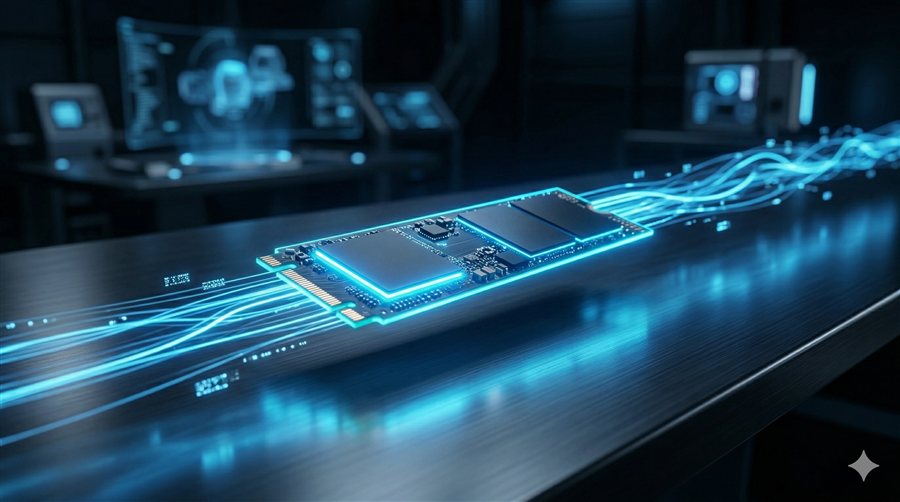
Once your important data is in a safe place — replace the drive. Go for an SSD: it’s faster, more reliable and has no moving parts that can fail mechanically.
Drive replacement and system cloning in Haifa starts at 200₪. Drive health diagnostics are free.