
ASUS ZenBook — cooling system cleanup
A compact ASUS ZenBook with a discrete NVIDIA GPU — a powerful machine that should “fly”. The owner’s complaints: it stutters, it freezes, the screen goes black.
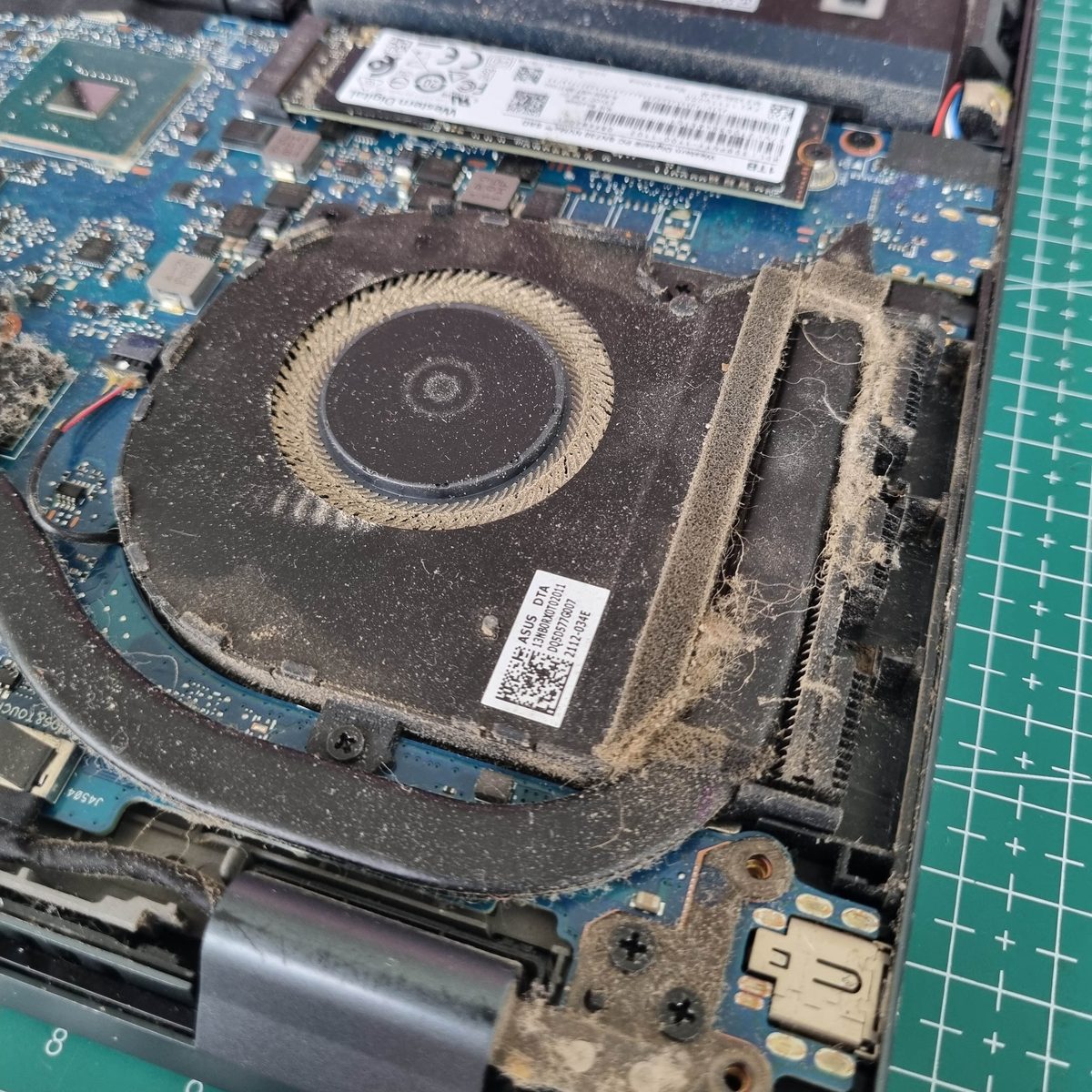
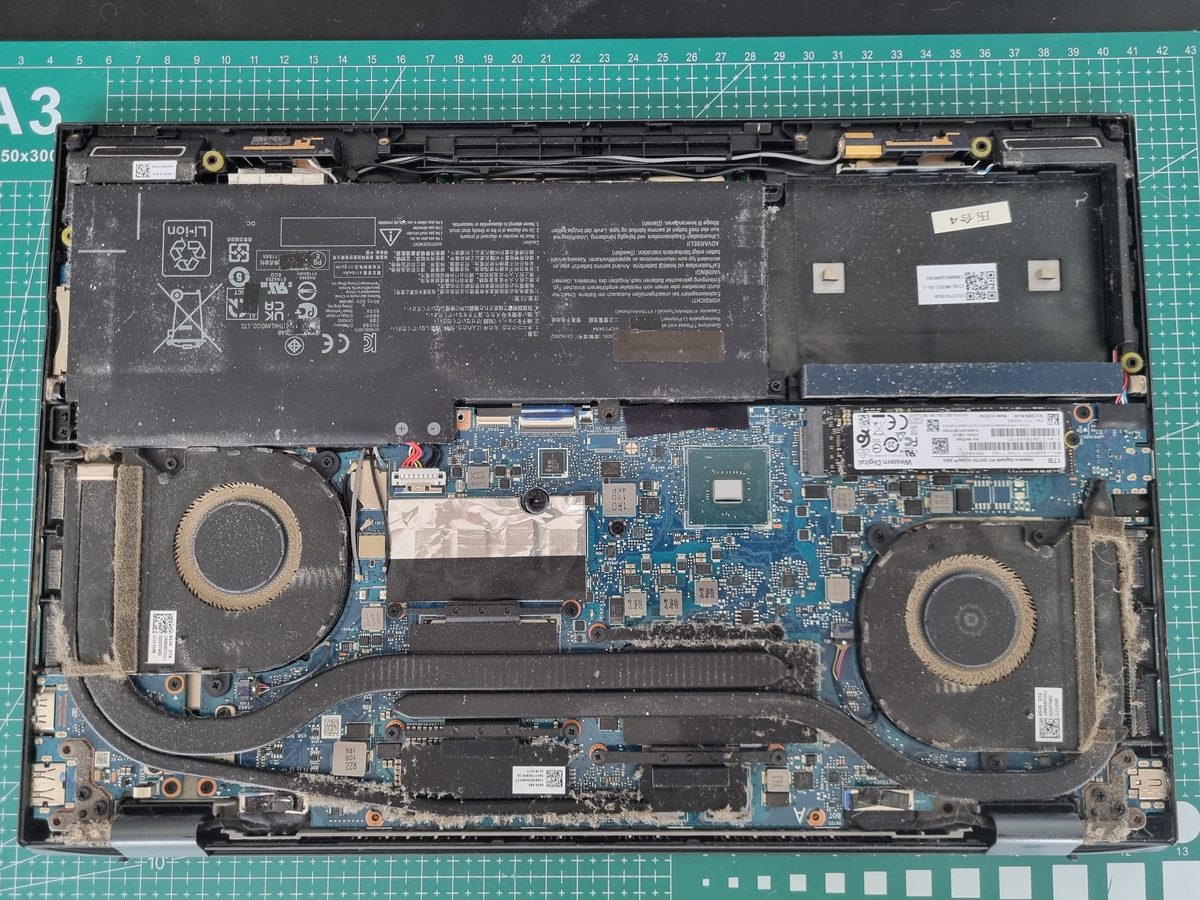
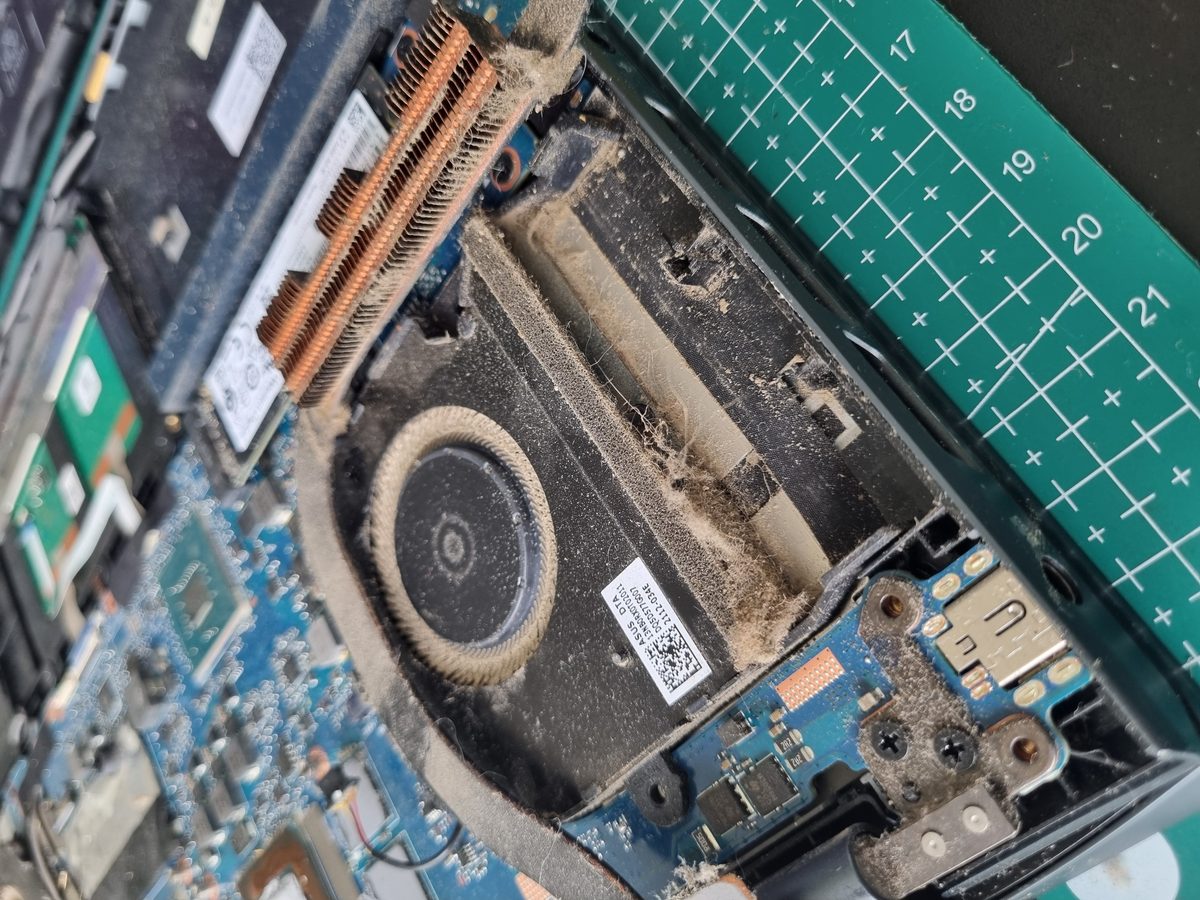
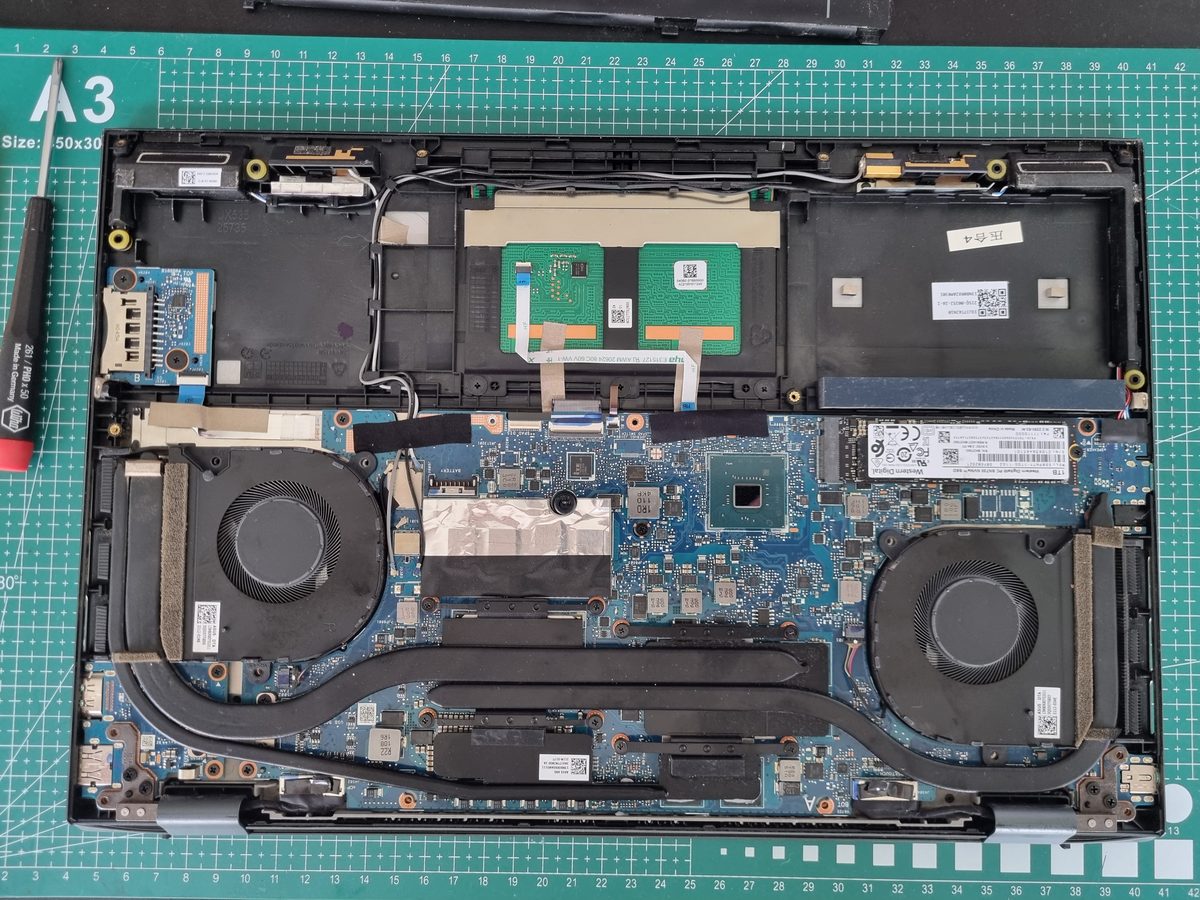
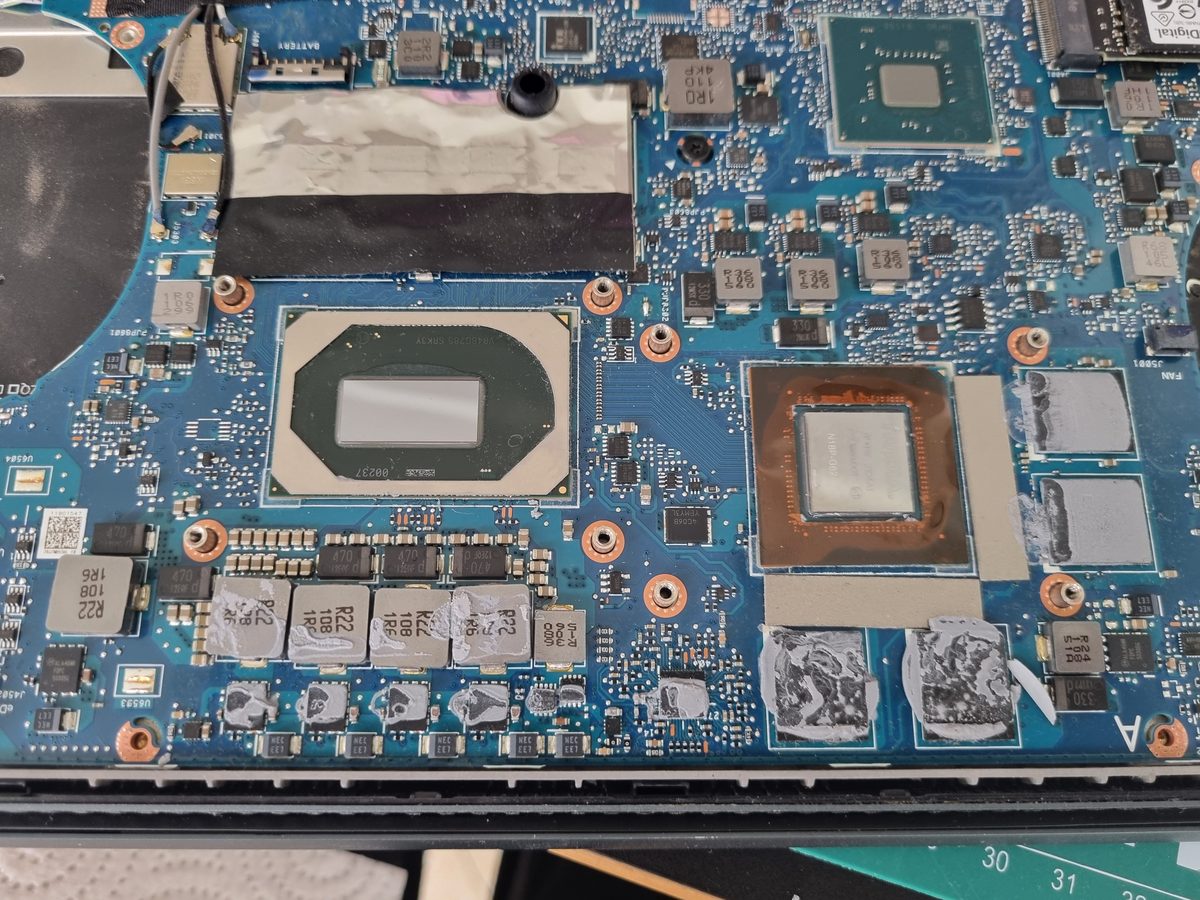
What we found inside. Once the bottom cover was off — a felt-like wad of dust and stray hairs that had completely blocked the fan blades and the heatsink. There was enough material for a small felt boot.
Why it stuttered instead of shutting down. CPUs and GPUs know how to protect themselves from overheating — they drop their clock speeds (thermal throttling) so the temperature can’t reach the critical line. At startup and idle everything looked fine, but under even light load the cooling couldn’t keep up and the laptop “choked”.
Why it’s important not to put this off. The chips themselves are protected from overheating. But the constant temperature swings slowly destroy the solder underneath them. The end of that road: the laptop stops powering on, or “artefacts” start appearing on the screen. Reflowing or re-balling that solder often costs as much as half a laptop.
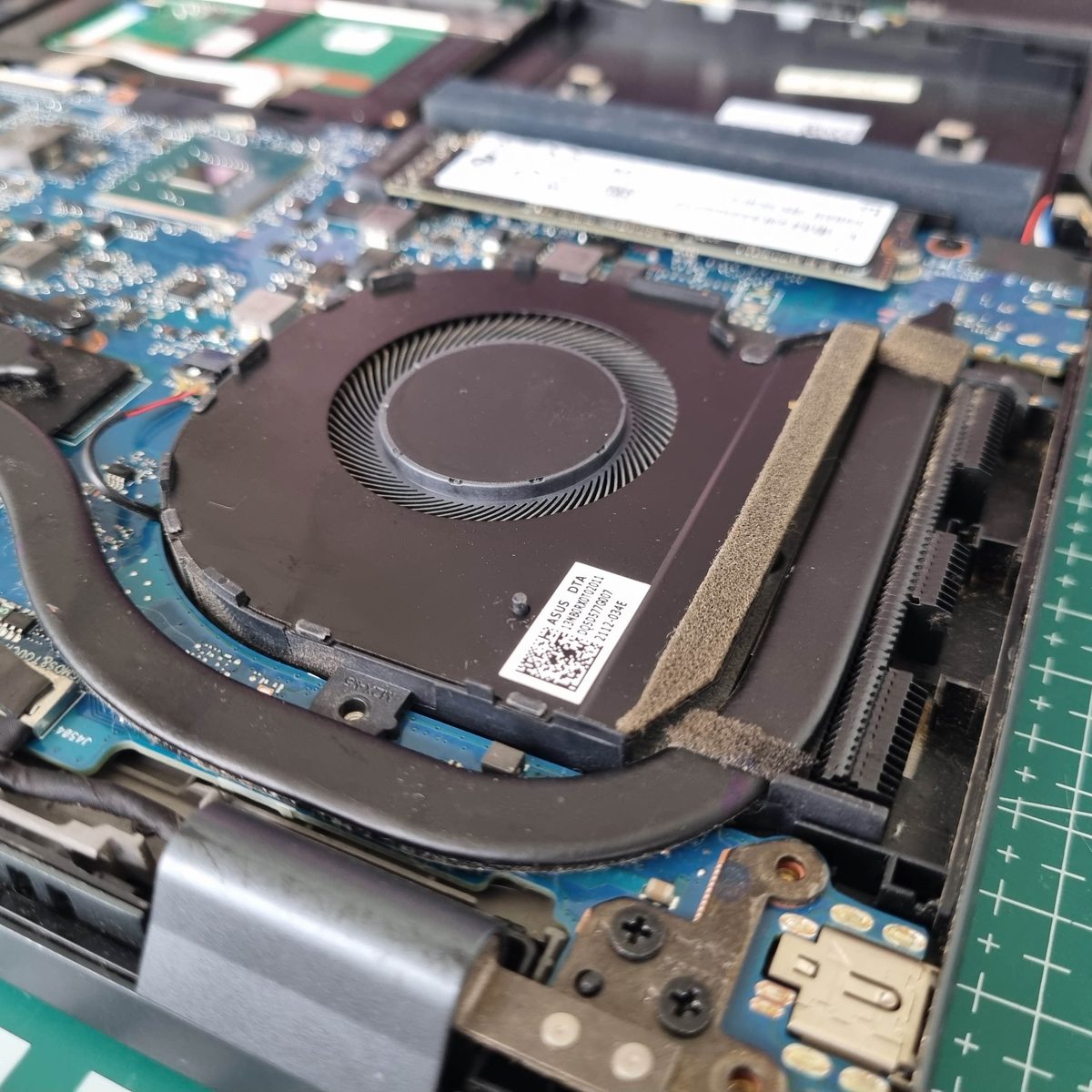
What we did. Full disassembly with the battery disconnected (non-negotiable), compressed-air cleaning, fresh thermal paste in place of the old hardened layer. Reassembly with no marks left on the chassis. The last photos show the clean board. The laptop now runs like new: quiet, fast, no freezes.
This is especially worth doing for compact and gaming laptops — and for anyone who lives with a furry pet at home.